
Your Salon’s New Hybrid Secure Cloud Gateway
Faster · More Secure · More Reliable
HB Connect is our upgraded cloud gateway powering all your online services, including Online Booking, Online Gift Vouchers, HB GO, Remote Access, and our upcoming Online Shop.
It delivers faster speeds, improved reliability, stronger security and a more modern, professional online presence for your salon.
Works instantly with any internet connection*
No more router rules, SSL setups, or port issues.
*HB Connect may not work on insecure public Wi-Fi networks
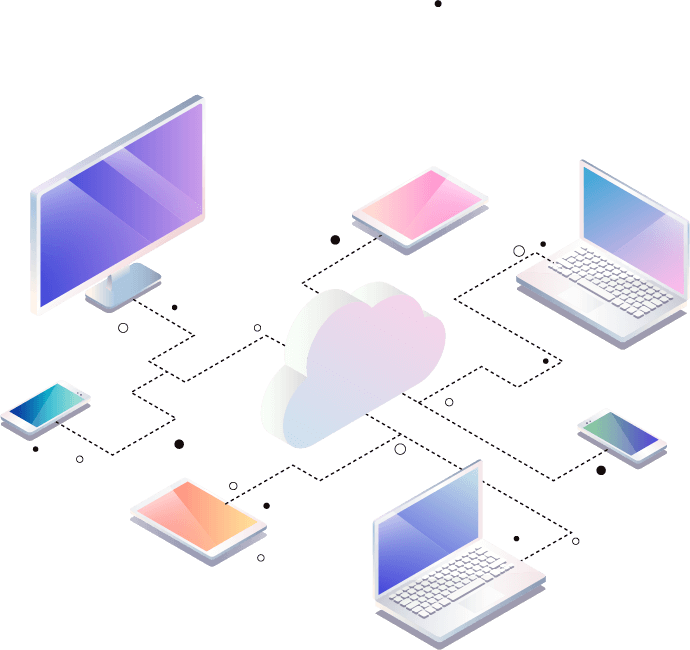
A faster, safer and smarter way for your clients to book, shop and connect.
⚠️ Important: Your Online Link will Change
As part of the HB Connect upgrade, all salons will receive a new personalised web link or address:
Your new link will be:
your-salon-name.salon.com.au
(subject to availability)
This new link improves speed, security and branding across all HB online services.
NOTE: Your current website or website address does NOT change. Only the link to HB online booking and gift vouchers will be affected
Hybrid System vs Fully Cloud
HB Connect uses a hybrid system, where your secure in-salon software does the processing, and the cloud handles all customer-facing pages.
Your salon PC must stay on, just as it does now, so your services can communicate with HB Connect.
This hybrid approach has major advantages over a fully cloud system:
Your data stays in your control
You keep full control of your database and backups.
No dependency on internet speed for daily operations
Cloud-only systems slow down when internet slows down yours doesn’t.
Lightning-fast in-salon performance
Your HB salon software works even during internet outages.
Better privacy & security
Avoid the risk of breaching customer privacy laws. Keep your data safe, private and in your salon, not on third-party cloud servers.
Local speed & reliability with cloud convenience.
What You Need To Do
1. Schedule a time to upgrade
Get in contact with our support team to arrange a convenient time to complete the upgrade remotely.
2. Update your online links
Important:
After we upgrade your system, please update your link everywhere it appears with the link we provide to you:
- Your website
- Facebook / Instagram
- Google Business Profile
- Email signatures
- QR codes
- Any online buttons or menus
Book a Time for your Upgrade
This upgrade requires a quick change that must be completed by our support team.
You won’t need to do anything technical, Simply complete the contact form and we will schedule a time with you, log in remotely, and complete the upgrade on your system. The entire process takes less than 5 minutes.