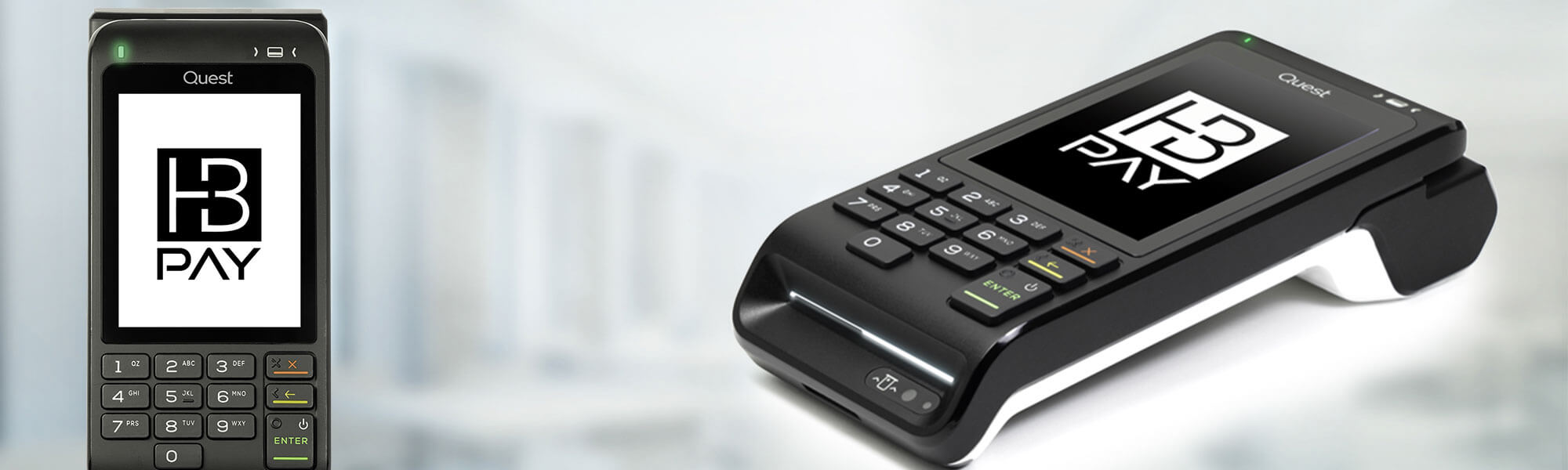
HB Pay 2.0 Terminal Settings
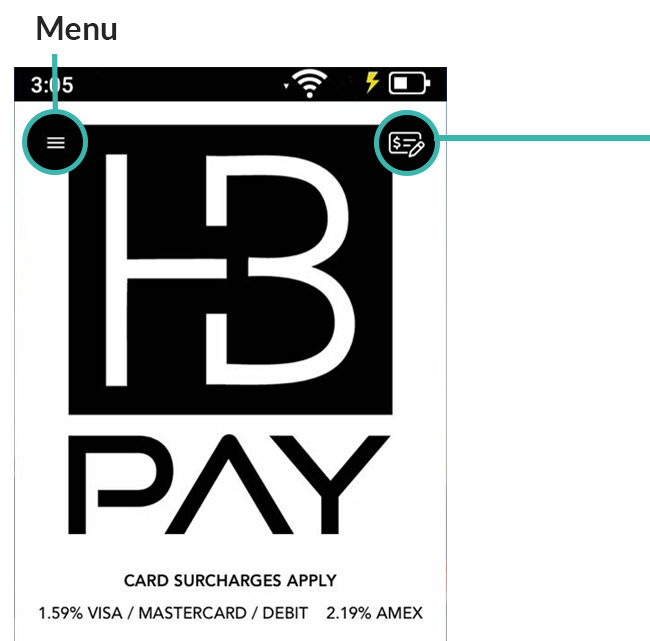
Single Shot Button – Allows you to process a transaction in standable
mode (non intergrated)
Non-Intergrated Mdoe Transactions – Click the Single Shot button.
Then enter the transaction amount or refund and follow the prompts.
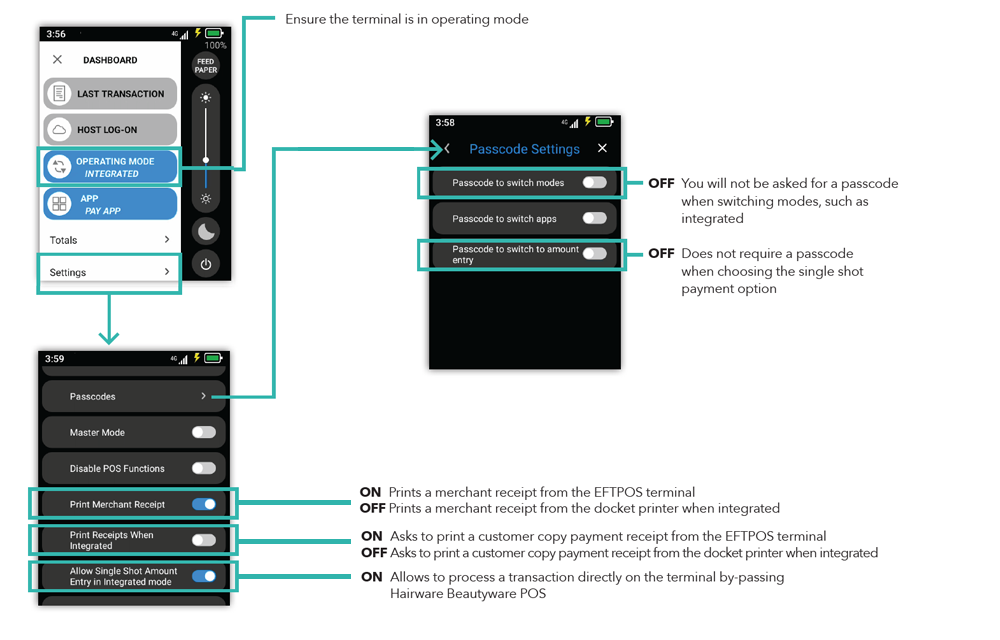
You will be prompted to enter the terminal pin code.
To use the single shot transaction without requiring a pin code, follow the password steps below.
COULDN’T FIND WHAT YOU WERE AFTER?
Talk to Us
Give our team a call at 1300 880 582 for immediate assistance or send us an email and we will be in touch asap
Check our FAQs
Here is a list of frequently asked questions that might help you find what you were looking for.