
Setting up a Dedicated Number for SMS
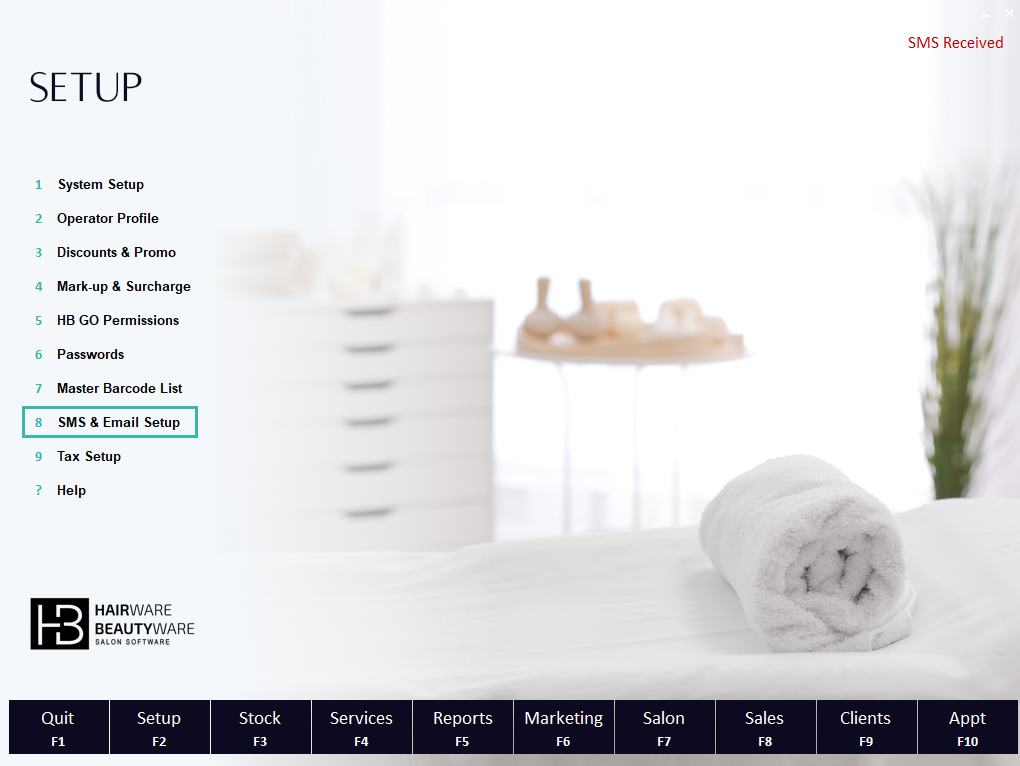
Step 1 – Navigate to F2 SETUP and select 8. SMS & Email Setup:
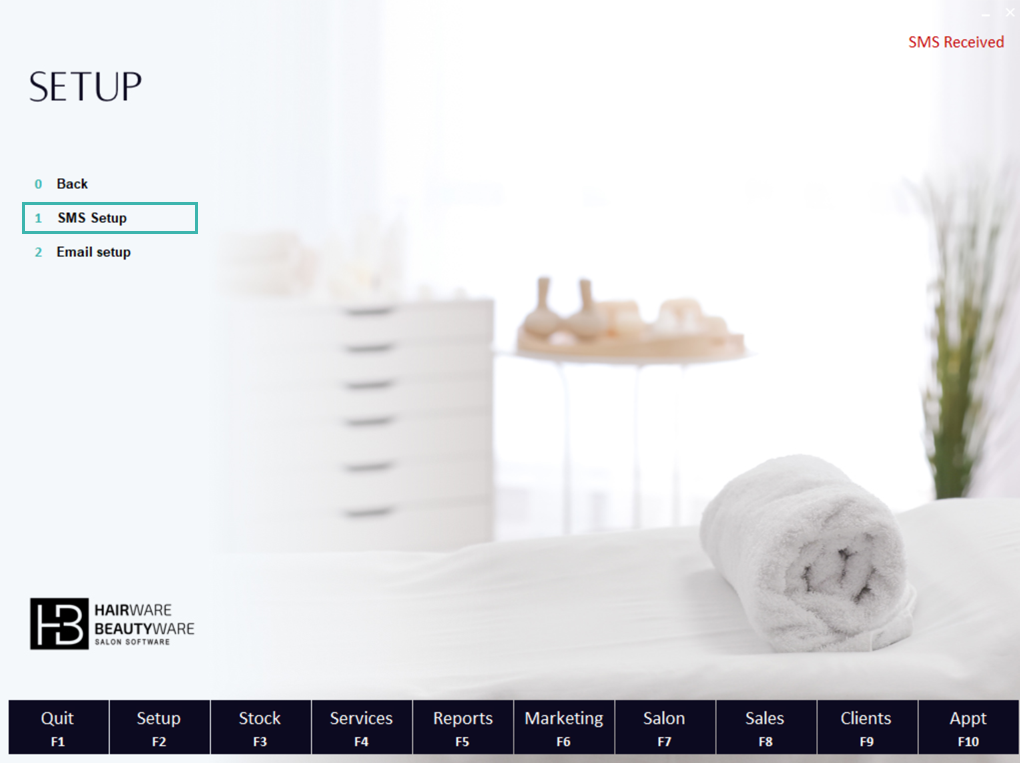
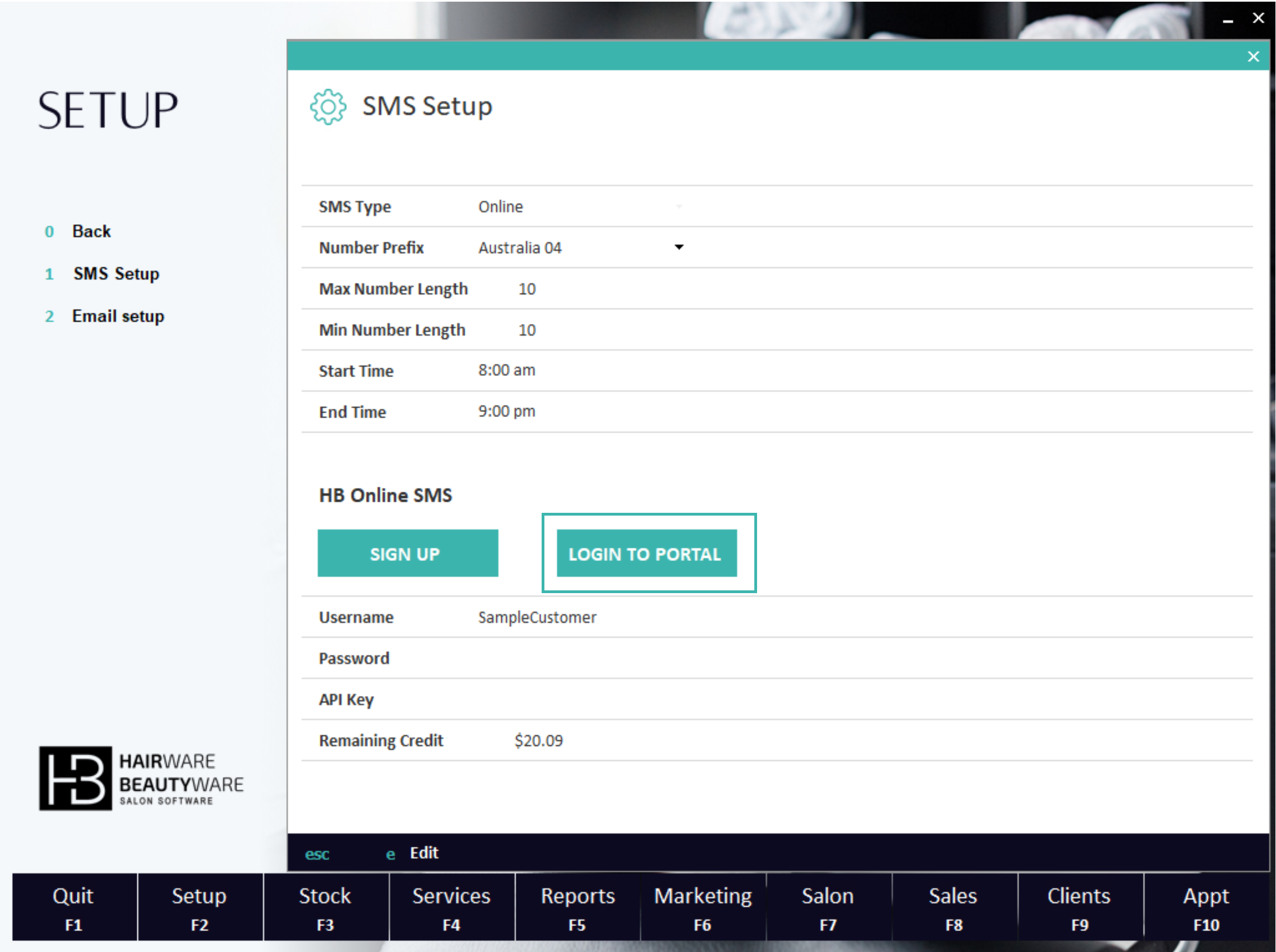
Step 2 – Select 1. SMS SETUP followed by Login to Portal
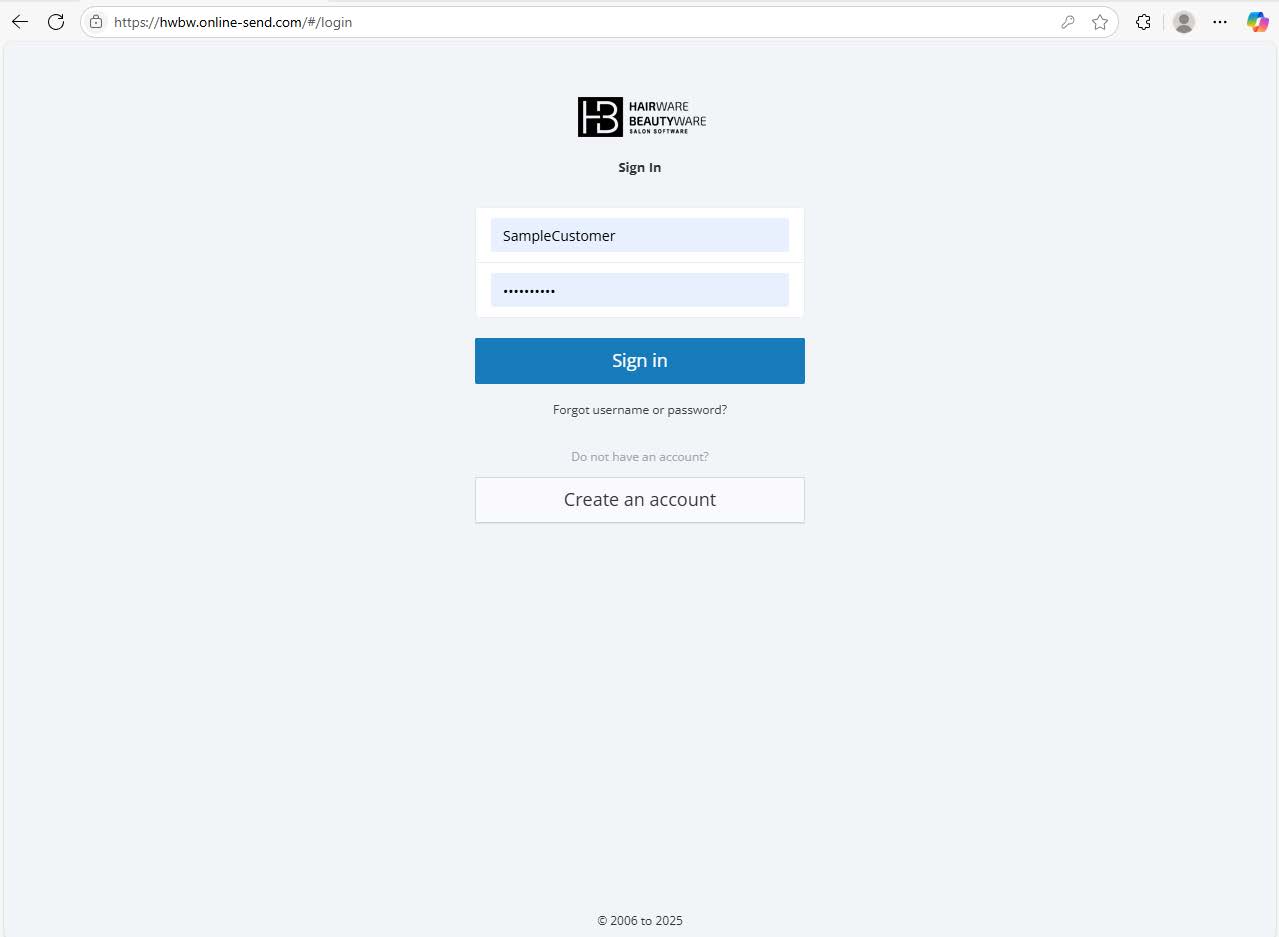
Step 3 – Enter your user name and password & Sign in:
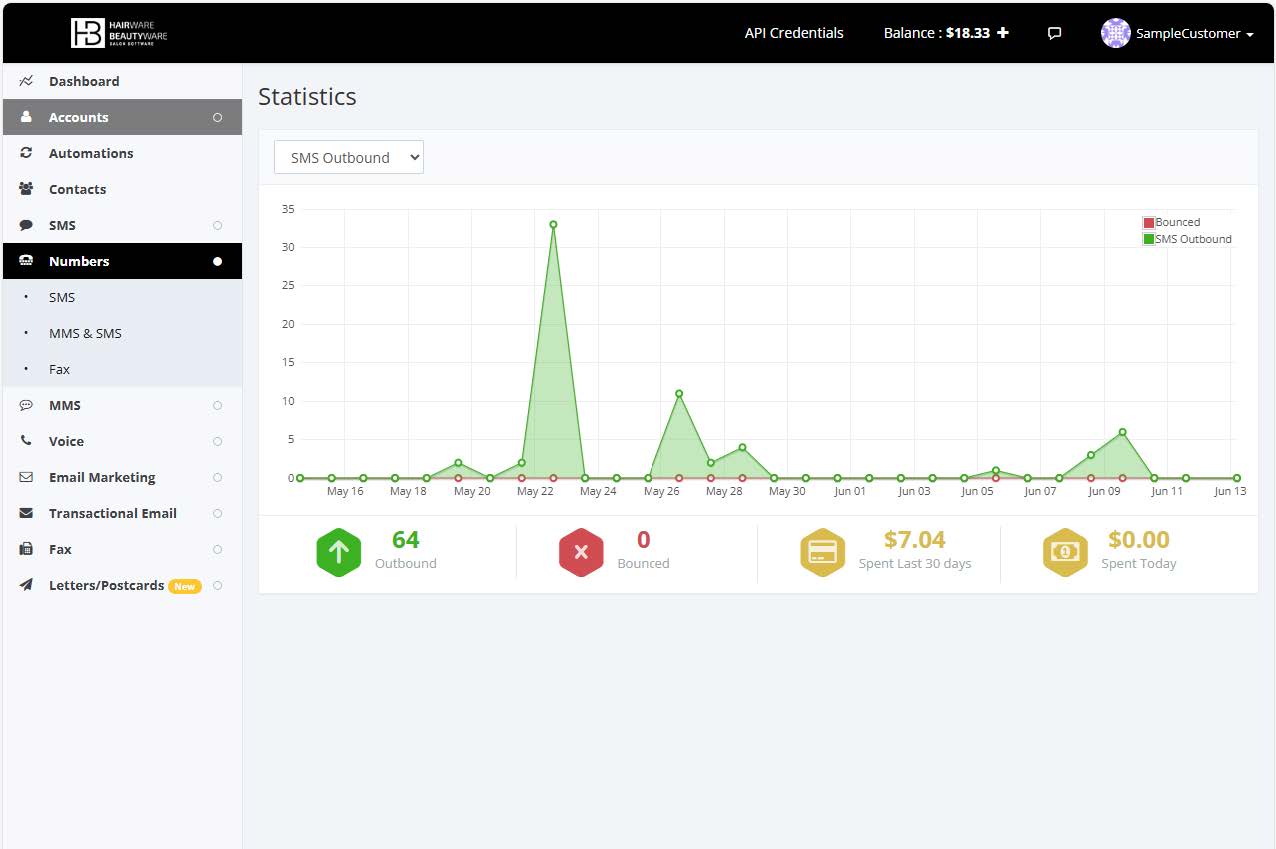
Step 4 – From the Menu on the left, select Numbers followed by SMS
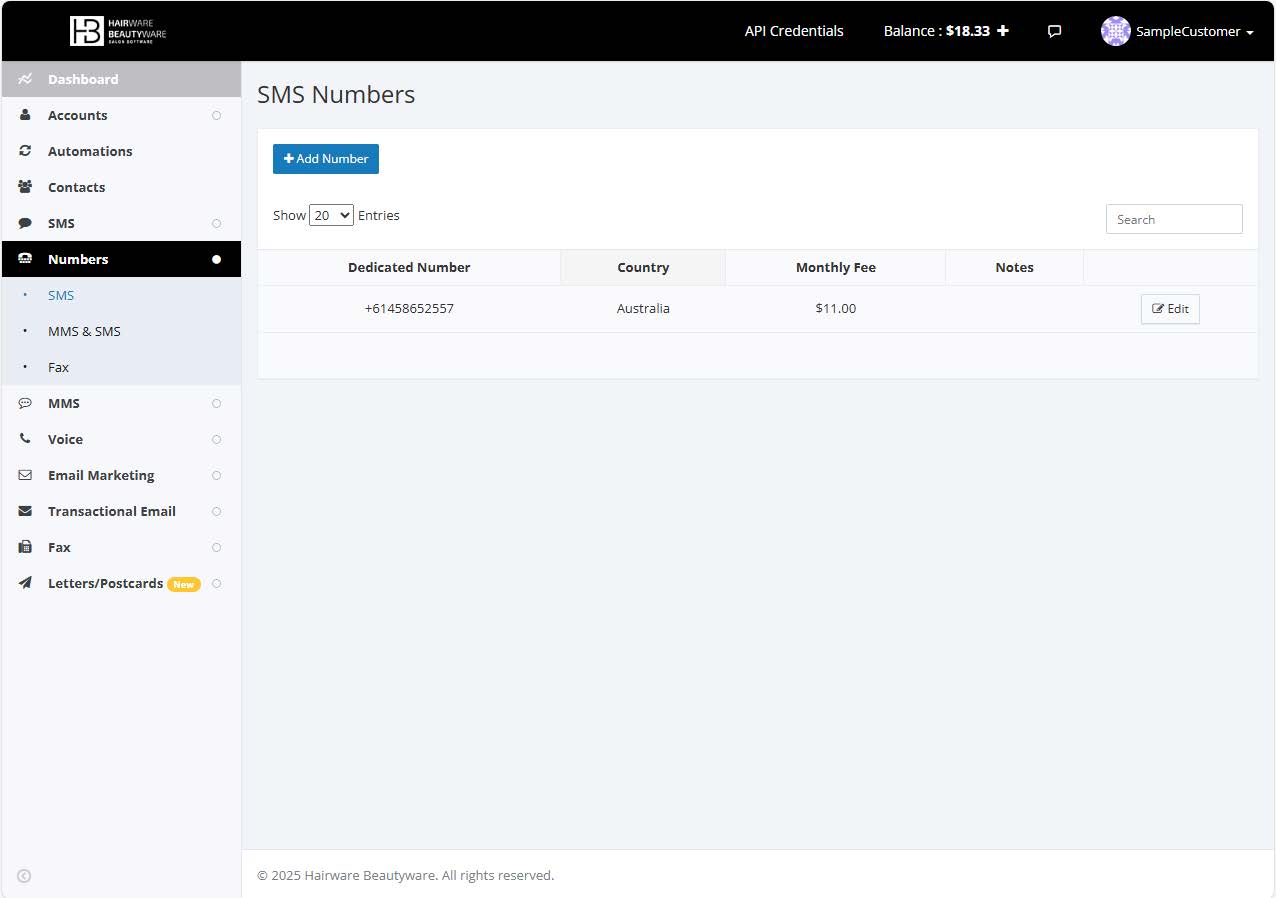
Step 5 – Select Add Number located above the blue
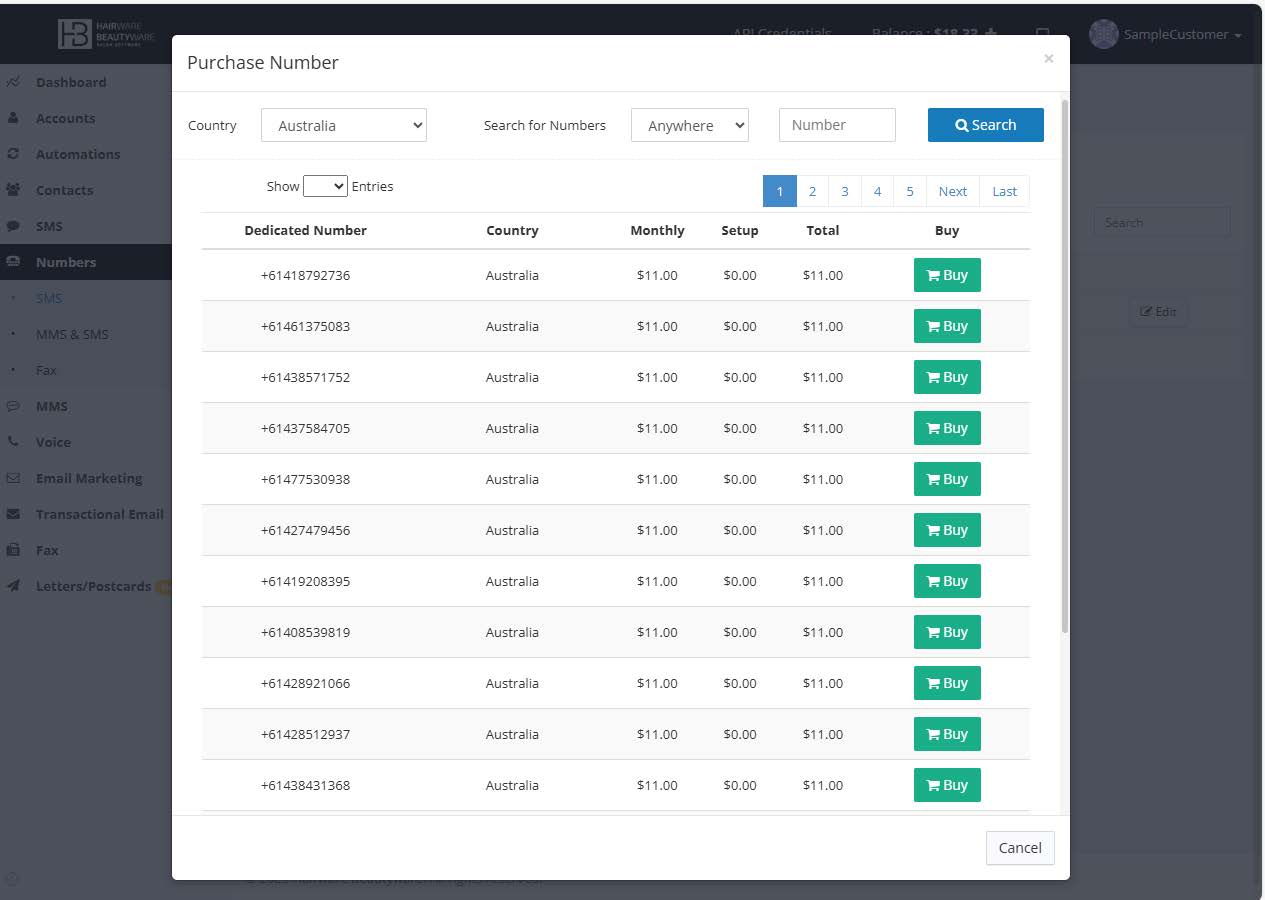
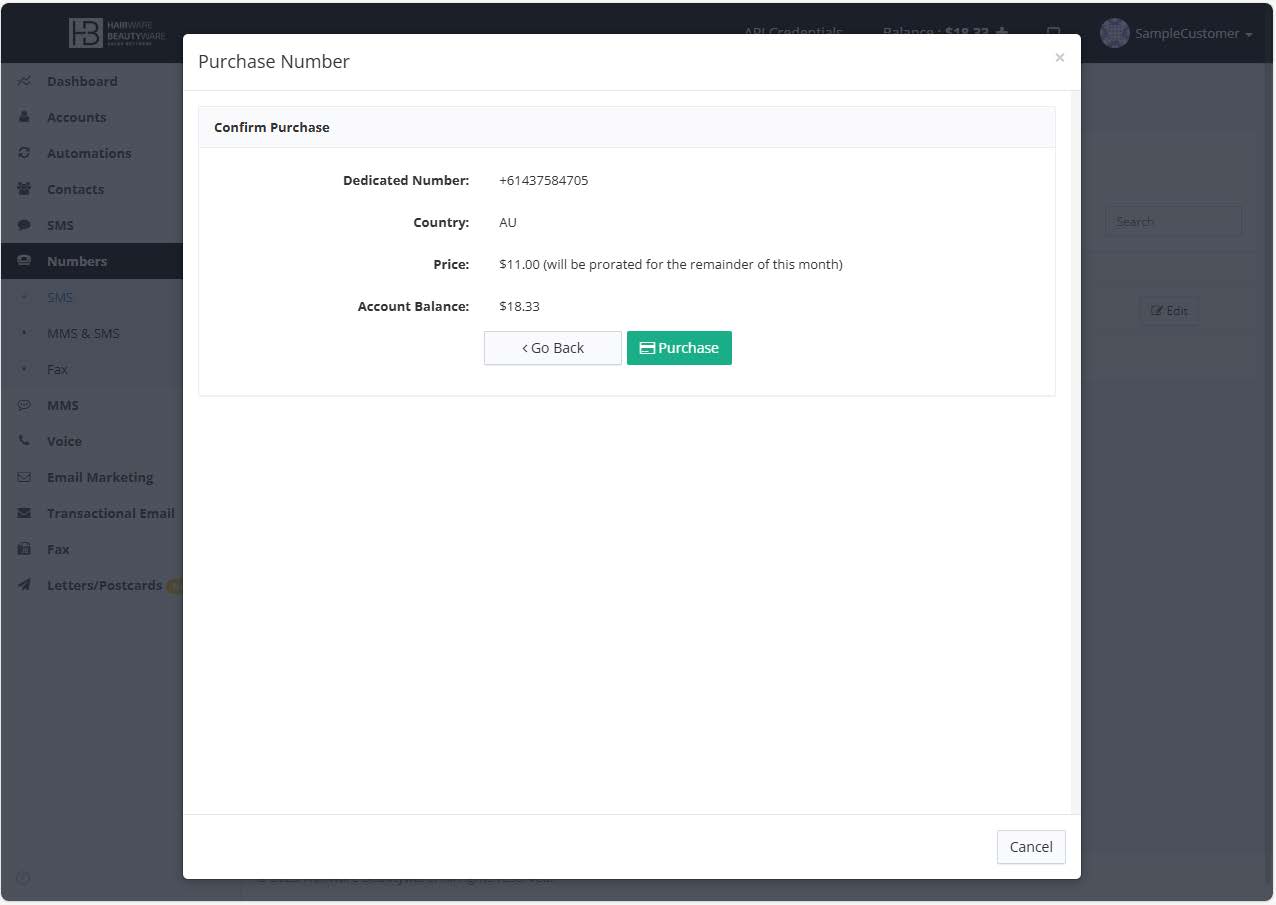
Step 6 – Choose your new number, then choose Buy, followed by Purchase on the next screen
Nice work! You now have a dedicated number that only belongs to your salon.
We recommend asking your clients to save the number as your salon name to further reduce the possibility of the number being flagged as spam by the device or network